Sign-in sheets → apps
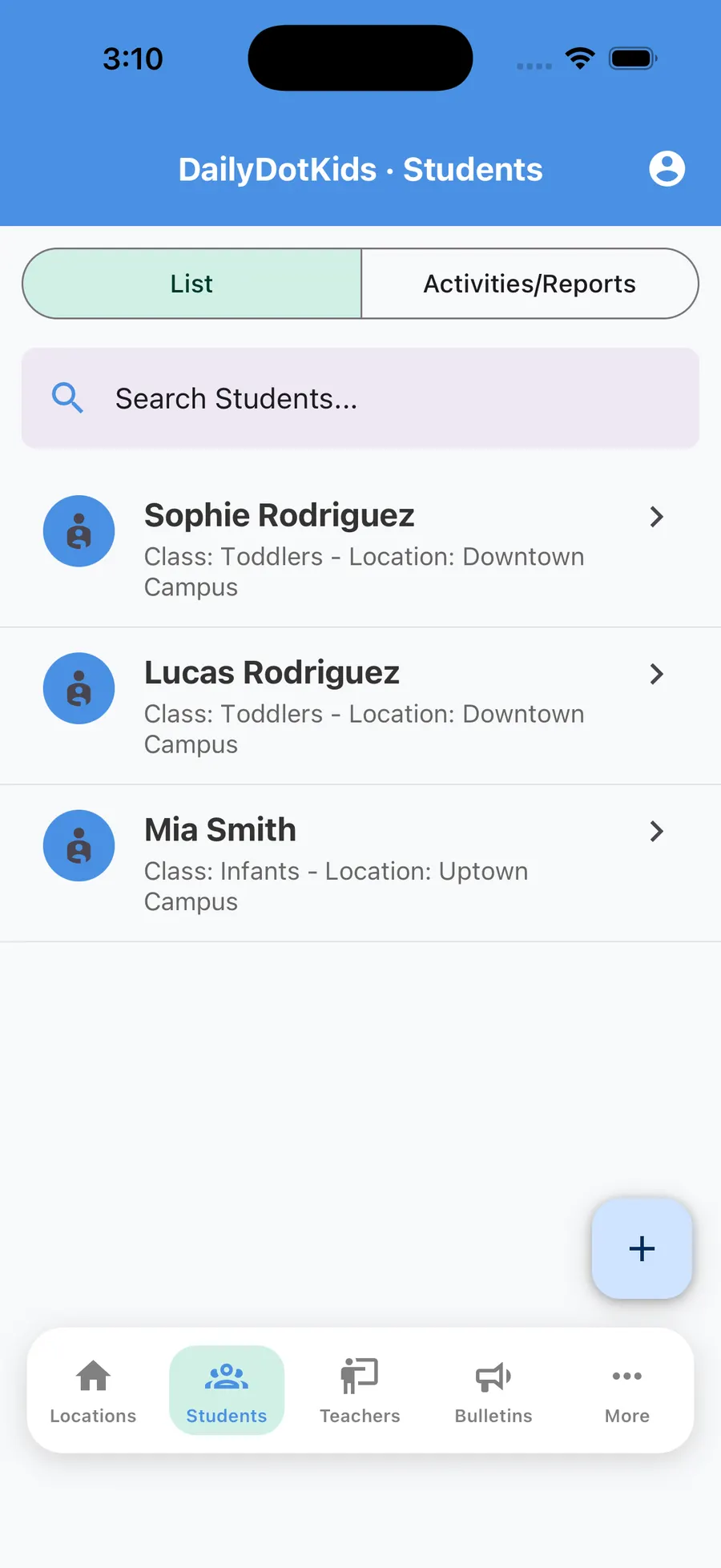
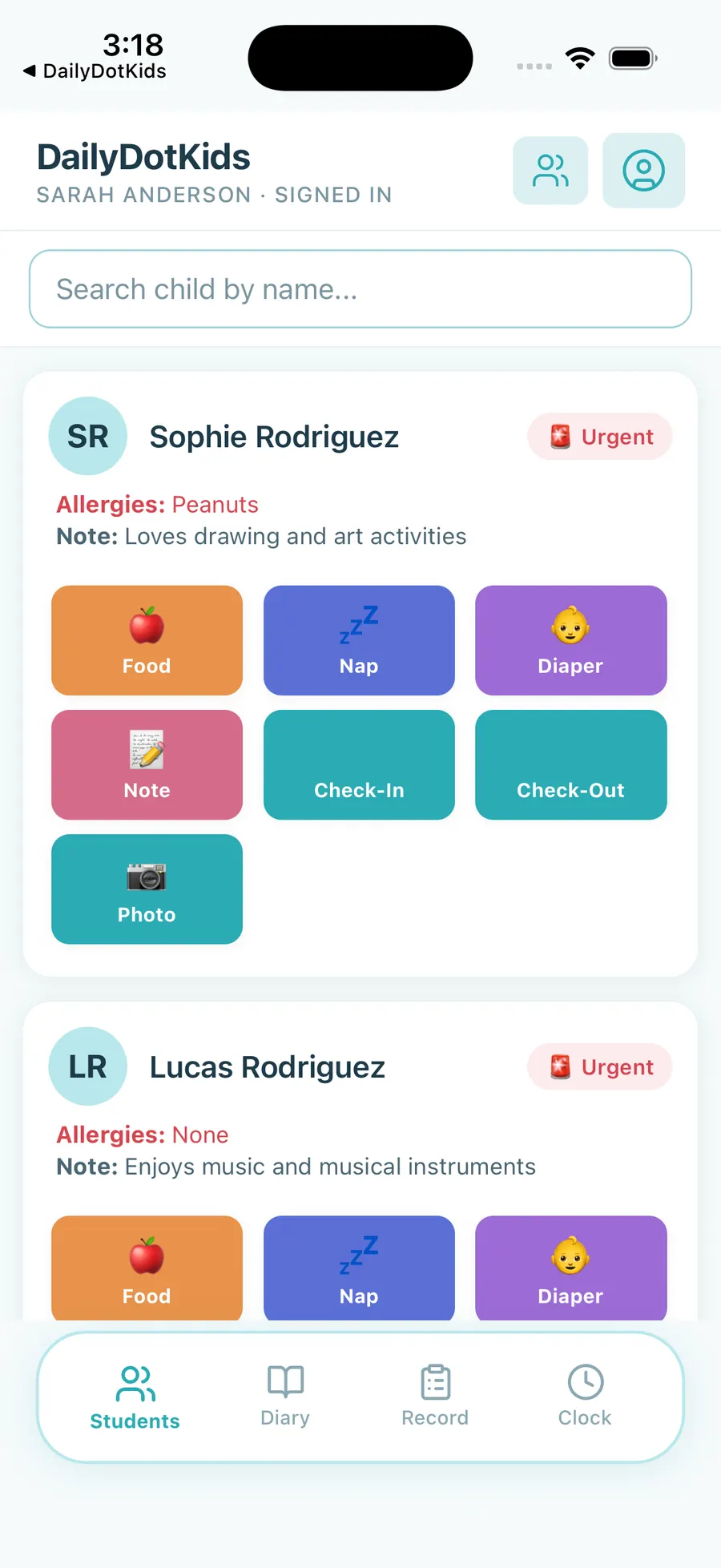
Teachers check children in and out on phone or classroom tablet. Ratios and who is present stay visible without hunting for a clipboard.
For centres still on clipboards · No software required to start
Many licensed centres still run on binders, whiteboards, and group texts. That is fine until a sheet goes missing, a parent asks “what did my child eat?”, or an inspector wants a clean trail. DailyDotKids replaces that stack with three free-to-start apps — without ripping out a competitor you never bought.


Paper is not a product brand — this page is for centres that have not adopted daycare software yet.
You are not buying a giant suite. You are moving attendance, daily notes, and parent updates into apps your team can open today.
Teachers check children in and out on phone or classroom tablet. Ratios and who is present stay visible without hunting for a clipboard.
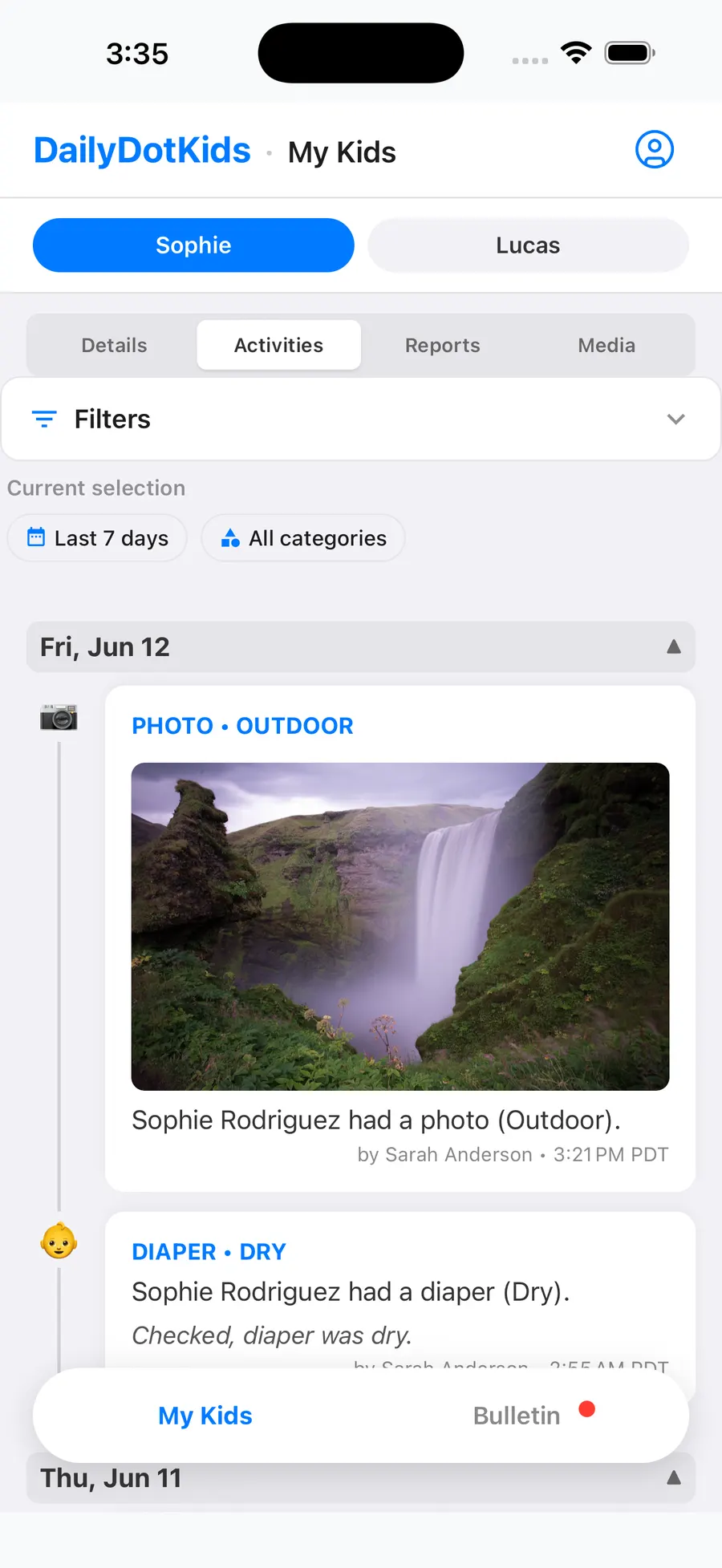
Meals, naps, diapers, photos, and notes land in one place — then parents see them in the Parent app instead of after-hours texts.
Emergency contacts and family details live with each child. Weekly digests flag gaps so licensing day is calmer.
Add families to a waitlist, then enroll into a class with one tap when a seat opens — invitation email included.
Tap Start on Free — email and password, no sales call, no credit card.
Add location and class, or try a sample classroom to explore before entering real families.
Share WhatsApp / SMS links with invitation codes. Paste a roster if you already have names on a spreadsheet.
Paper is honest and cheap until scale, licensing, or parent expectations change. Use this scorecard, then start Free and keep what works.
| Owner need | DailyDotKids | Paper / clipboards |
|---|---|---|
| Attendance & who is here | Yes — Teacher app check-in / out | Sign-in sheets; easy to lose or miscount |
| Tell parents about the day | Yes — Parent app + push updates | Texts, photos in chat, or end-of-day verbal |
| Emergency contacts | Yes — on each child’s profile | Binder or folder; hard to keep current |
| Waitlist → fill a seat | Yes — enroll + parent invite | Notebook list; manual paperwork to start |
| Licensing visit day | Yes on Paid — prep + export packs | Pull binders the night before |
| Get started this week | Same day — Start on Free in Admin | Already “started” — but stuck when you grow |
| Cost to try | Free forever within published limits | Free materials — expensive staff time |
Paper got you this far. When parents expect updates and licensing expects a trail, Free DailyDotKids is the lightest next step — not a multi-month software migration.
1 location · 1 class · up to 8 students · 2 teachers · 16 parent accounts. No credit card. Centre data stored in Canada.